Free AI Image Upscaler Online
Upload a low-resolution photo, product shot, anime image, or screenshot and let Gemini Omni Flash upscale the image with cleaner edges, richer texture, and sharper 4K-ready detail.
Upscale an imageUpscale images to crisp 4K detail
Use the Gemini Omni Flash image upscaler when a small file needs more resolution for a product page, social post, poster draft, or portfolio preview.
- Upscale image files for web, print, and presentation layouts
- Choose fast enhancement or higher-detail 4K output when quality matters
- Keep composition and identity stable while improving visible detail
 Before
 After
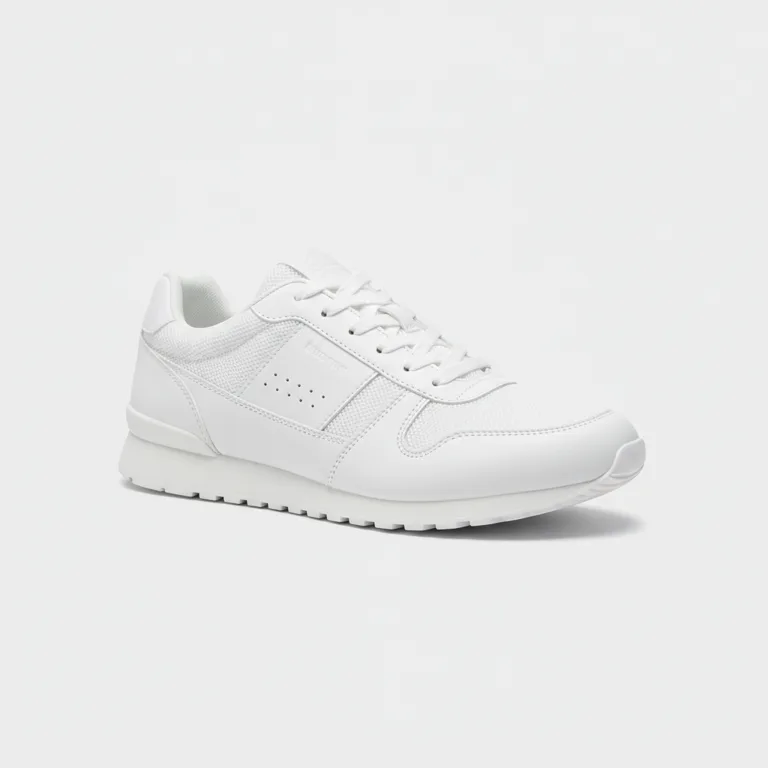
AfterProduct photo upscale
small listing image -> sharper gallery asset
Recover texture without the resized look
Instead of stretching pixels, the AI image upscaler rebuilds believable texture so portraits, labels, edges, and artwork feel cleaner at larger sizes.
- Reduce blur from compressed or older images
- Sharpen faces, product edges, screenshots, and scanned photos
- Improve image quality while preserving the original scene
 Before
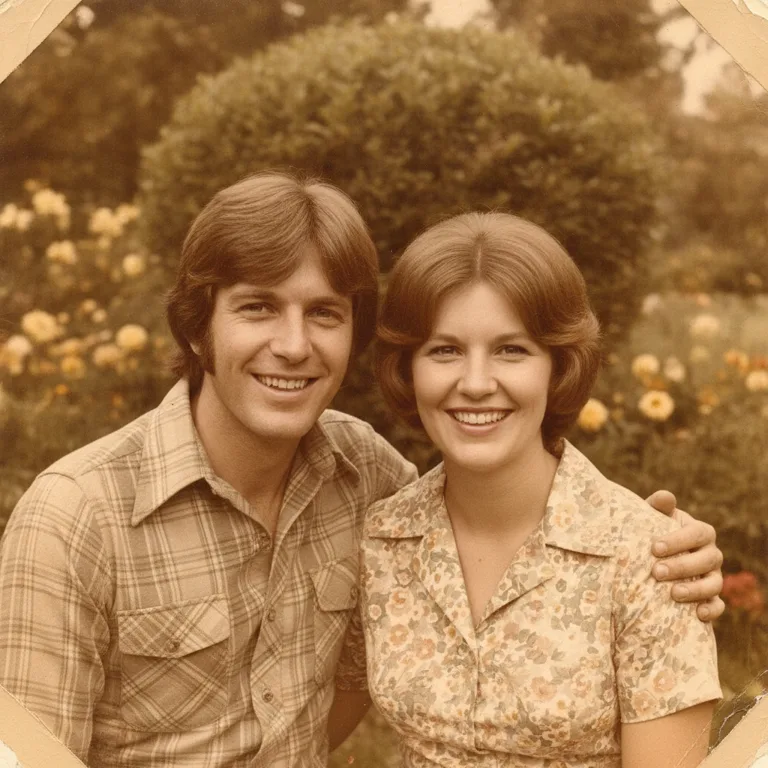 After
AfterOld photo clarity
soft scan -> cleaner archive image
Works for photos, anime, PNG, JPG, and WebP
Bring everyday files into one online image upscaler. Upload common image formats and prepare sharper output for designs, listings, archives, or creative tests.
- Supports JPG, PNG, and WebP uploads
- Useful for photo upscaler, picture upscaler, and anime upscaler workflows
- Handles portraits, product images, screenshots, artwork, and documents
 Before
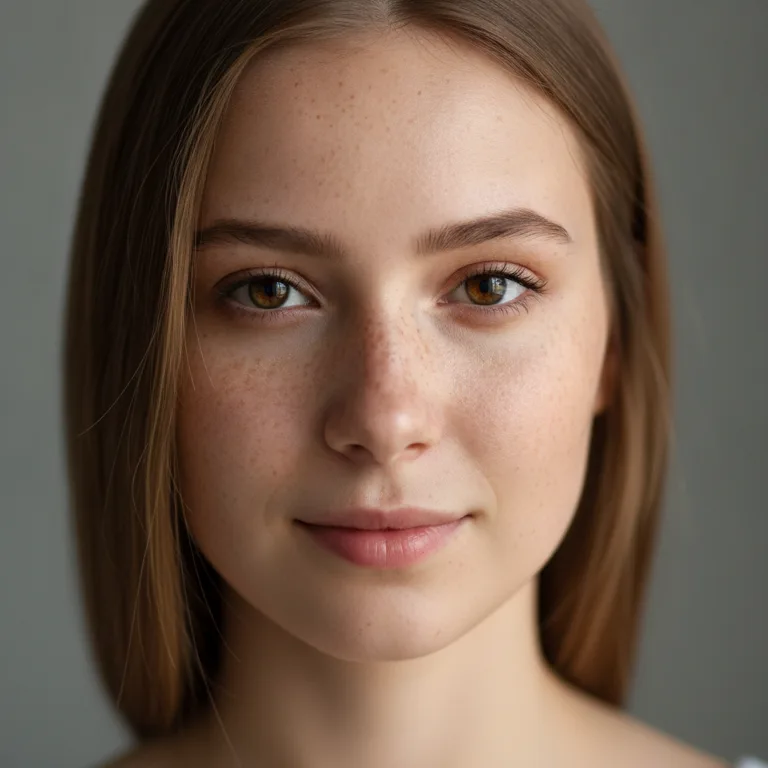 After
AfterPortrait cleanup
pixelated profile image -> clearer HD portrait
Preview before you download
Compare the original file with the enhanced result, check the credit cost up front, and download the finished image when the upscale looks right.
- Before-and-after preview keeps edits easy to review
- Clear generation state from upload to finished result
- Download a sharper high-resolution image for your next workflow
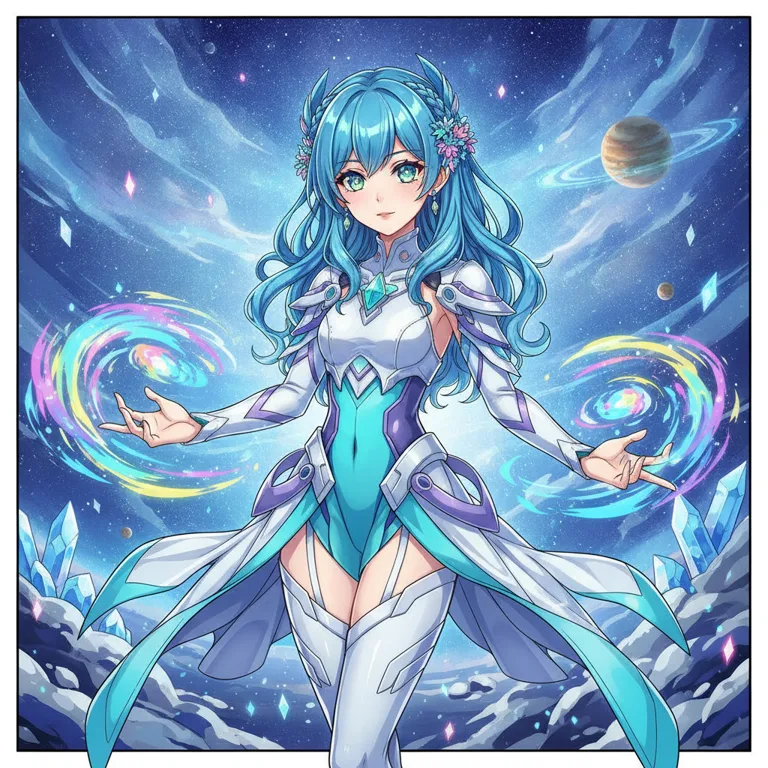
BeforeAfterAnime art upscale
low-res illustration -> crisp line art
What to upscale with Gemini Omni Flash
Use the AI image upscaler for practical files that need more clarity: store photos, old scans, profile images, posters, anime art, and UI screenshots.
Product image upscaler
Turn small supplier photos into cleaner product assets. The upscaler helps labels, materials, edges, and packaging details hold up in online stores.
Old photo and archive repair
Improve scanned family photos or compressed memories before printing, sharing, or storing them in a larger digital archive.
Portrait and social profile cleanup
Upscale portraits for avatars, thumbnails, and creator profiles while keeping the person recognizable and the face naturally detailed.
Poster and print preparation
Create more usable pixels for flyers, covers, banners, and presentation layouts when the original file is too small for the canvas.
Anime and illustration upscaler
Enhance line art, color blocks, and character illustrations so anime images look cleaner on larger screens or printed samples.
Screenshot and document clarity
Sharpen UI screenshots, charts, labels, and document snippets so small text and thin lines are easier to read in decks or tutorials.
How to upscale an image online
The workflow is simple: upload an image, choose the upscaler mode, then generate and download a higher-resolution version.
Upload your image
Start with a JPG, PNG, or WebP. Clear source files produce the best image upscale results, but compressed photos can still improve.
Pick the upscaler settings
Select the model and output settings that match your goal, whether you need a fast pass or a sharper 4K image upscaler result.
Generate and download
Run the enhancement, compare before and after, then download the improved image for products, posts, prints, or creative work.
Why creators use this image upscaler
Designers, sellers, and creators use Gemini Omni Flash to make low-resolution files more usable without rebuilding the image from scratch.
Maya Lin
Marketplace Seller
“I use it when a supplier only sends tiny product photos. The upscaled images look cleaner in listing galleries and ads.”
Owen Carter
Brand Designer
“The before-and-after view makes it easy to judge whether an old asset is good enough for a larger campaign layout.”
Nadia Flores
Social Creator
“Portrait thumbnails and archived post images come out sharper without changing the whole look of the original photo.”
Kei Tanaka
Illustrator
“Anime sketches and concept art scale up nicely when I need to review line work on a bigger screen.”
Priya Mehta
Content Marketer
“It saves old screenshots that were too soft for tutorials, especially when the UI text needs to stay readable.”
Leo Brooks
Print Coordinator
“When a client gives us a small image, this gives us a cleaner starting point before we prepare poster proofs.”
AI Image Upscaler FAQ
What is an AI image upscaler?
An AI image upscaler increases image resolution while rebuilding details that simple resizing cannot create. People also call this a photo upscaler, picture upscaler, image enhancer, or image resolution enhancer.
Can I upscale an image to 4K online?
Yes. Upload an image, choose the output settings, and generate a sharper result suitable for many 4K display or layout needs. Very small or heavily damaged files may still have limits, but the upscaler gives you a stronger version to work with.
Is this image upscaler free to try?
You can open the tool and prepare an upscale workflow for free. Generation shows the required credits before you run it, so you can decide whether to use the fast mode or a higher-detail mode.
What image formats are supported?
The image upscaler accepts common JPG, PNG, and WebP files. For best results, upload the cleanest source you have and avoid screenshots that are already cropped too tightly.
Does it work as an anime upscaler?
Yes. Anime images, illustrations, and line art can be upscaled while keeping edges and color blocks cleaner than ordinary browser resizing.
Can I use it for product photos?
Yes. Product shots are a strong use case because sharper edges, labels, and texture help images look more professional in online stores and ads.
Will the upscaled image look exactly the same?
The tool keeps the original composition, but AI upscaling rebuilds detail rather than copying pixels one by one. Review the preview before downloading if exact fidelity is important.
What is the difference between image upscale and image enhancer?
Image upscale focuses on resolution and detail. Image enhancer is a broader term that may include color, contrast, denoise, sharpening, and unblur improvements.
Can I upscale screenshots and text?
Yes, screenshots and document snippets can become easier to read after upscaling. Clean source text and clear contrast usually produce better results.
Can I use the result commercially?
Many users upscale product, design, and marketing assets for commercial workflows. Make sure you have the right to use the original image and review the final output before publishing.
More from Gemini Omni Flash
Upscale your next image with Gemini Omni Flash
Upload a small photo, product shot, anime image, or screenshot and create a cleaner high-resolution version in a few clicks.